jQuery与原生DOM事件核心机制解析
一、 事件对象 (Event Object) 与鼠标坐标
在原生 JavaScript 中,事件对象封装了与触发事件相关的详细上下文信息。在早期的 IE 和部分浏览器中,event 通常作为全局变量存在;而在现代标准浏览器中,它通过事件处理函数的第一个参数传递。为了跨浏览器兼容,通常需要进行标准化处理。
常用的属性如 clientX 和 clientY 用于获取鼠标指针相对于浏览器可视区域的坐标。需要注意的是,mousemove 事件的触发频率并非与鼠标移动的像素距离严格成正比,而是基于浏览器内部的时间间隔采样机制。
// 获取点击目标及坐标示例
window.addEventListener('load', function() {
    const actionBtn = document.getElementById('actionBtn');
    document.addEventListener('click', function(evt) {
        const normalizedEvent = evt || window.event;
        console.log('触发源:', normalizedEvent.target);
        console.log('可视区X坐标:', normalizedEvent.clientX);
    });
});
在实现元素跟随鼠标移动的功能时,需要结合页面的滚动偏移量来计算绝对位置:
document.addEventListener('mousemove', function(evt) {
    const normalizedEvent = evt || window.event;
    const follower = document.getElementById('followerDiv');
    const scrollOffset = document.documentElement.scrollTop || document.body.scrollTop;

    follower.style.left = normalizedEvent.clientX + 'px';
    follower.style.top = (normalizedEvent.clientY + scrollOffset) + 'px';
});
二、 jQuery 事件绑定、悬停与委托
jQuery 极大地简化了事件处理。例如 hover 方法封装了 mouseenter 和 mouseleave,允许同时定义进入和离开时的回调函数。
// 使用 hover 实现容器内元素的尺寸与边距动态调整
$("#mainContainer").hover(
    function() {
        // 鼠标进入
        $('#innerBox').css({
            'width': targetWidth + 'px',
            'height': targetHeight + 'px',
            'margin': ((containerHeight - targetHeight) / 2) + 'px ' +
                      ((containerWidth - targetWidth) / 2) + 'px'
        });
    },
    function() {
        // 鼠标离开,恢复初始状态
        $('#innerBox').css({
            'width': '200px',
            'height': '200px',
            'margin': '0'
        });
    }
);
对于动态生成的 DOM 元素,直接绑定事件会失效。此时需要使用事件委托机制,将事件绑定到已存在的父级元素上:
// 将点击事件委托给 body,处理动态生成的 .dynamic-item 元素
$("body").on("click", ".dynamic-item", function() {
    // 处理动态元素的点击逻辑
    $(this).toggleClass("active");
});
在某些场景下,需要防止事件被重复绑定。最佳实践是先解绑再绑定(推荐使用 off 和 on 替代已废弃的 unbind 和 bind):
// 防止重复注册滚动事件
$(window).off('mousewheel DOMMouseScroll').on('mousewheel DOMMouseScroll', function(evt) {
    // 滚动处理逻辑
});
三、 事件上下文 (this) 与自定义事件
在事件处理函数中,this 默认指向触发事件的 DOM 元素。在原生 HTML 属性中传递 this 时,需确保函数参数接收正确:
<button id="submitBtn" onclick="handleClick(this)">提交</button>
function handleClick(element) {
    // 将原生 DOM 元素转换为 jQuery 对象进行操作
    alert($(element).html());
}
jQuery 允许开发者创建和触发自定义事件,实现组件间的松耦合通信:
// 1. 监听自定义事件
$(document).on("layoutResized", function(event, data) {
    console.log('布局已更新,新宽度:', data.newWidth);
});

// 2. 触发自定义事件并传递数据
$(document).trigger("layoutResized", { newWidth: 800 });
四、 高级交互:鼠标滚轮事件处理
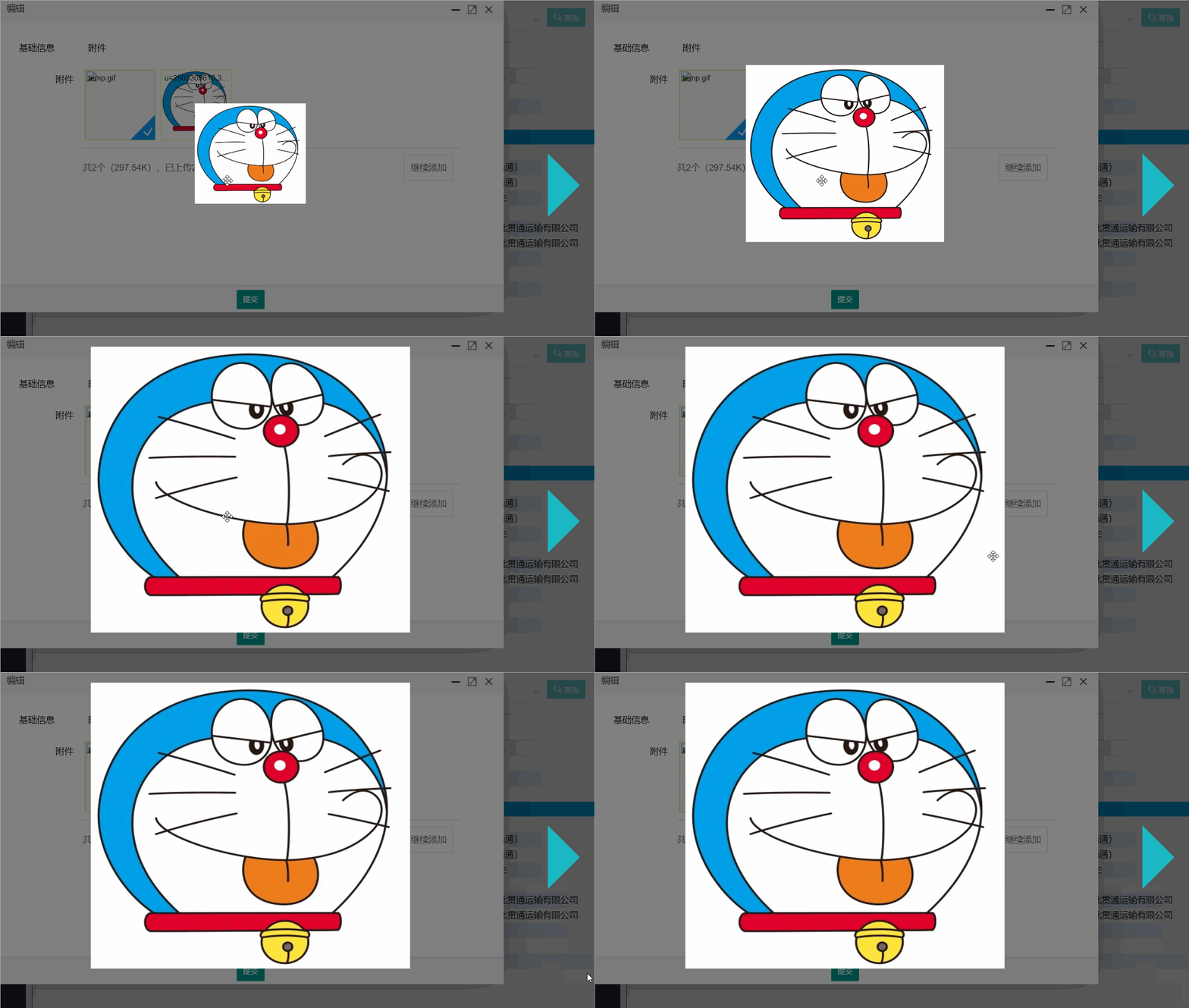
处理鼠标滚轮事件时,需要兼容不同浏览器的属性(如 wheelDelta 和 detail)。以下示例展示了如何通过滚轮控制图片预览区域的缩放,并在绑定前清理旧事件以防冲突:
const previewImage = $("#imagePreview");

// 清理并绑定滚轮事件
previewImage.off('mousewheel DOMMouseScroll').on('mousewheel DOMMouseScroll', handleImageZoom);

function handleImageZoom(e) {
    e.preventDefault();
    // 兼容不同浏览器的滚轮方向值
    const rawDelta = e.originalEvent.wheelDelta || -e.originalEvent.detail;
    const direction = Math.max(-1, Math.min(1, rawDelta));

    const currentWidth = $(this).width();
    const currentHeight = $(this).height();

    if (direction < 0) {
        // 向下滚动:缩小
        $(this).width(currentWidth / 1.1);
        $(this).height(currentHeight / 1.1);
    } else {
        // 向上滚动:放大
        $(this).width(currentWidth * 1.1);
        $(this).height(currentHeight * 1.1);
    }
}
通过上述滚轮事件处理,可以实现平滑的图像缩放交互效果: